How to Set Up a Smart Home from Scratch UK – Complete Beginner's Guide 2026
Setting up a smart home needn't be daunting or expensive. Most UK homes can be transformed into functional smart spaces with a modest initial investment and a clear plan. The key is understanding what you actually need before buying anything.
This guide walks you through the essentials: checking your broadband, picking an ecosystem that suits your priorities, and choosing devices that'll genuinely improve your daily routine. You'll learn the decisions that matter and the ones that don't.
Check Your Broadband Setup
Smart home devices rely entirely on your Wi-Fi connection, so this is the foundation. You don't need fibre-to-the-cabinet (FTTC) or full fibre (FTTP)—standard broadband works fine—but your Wi-Fi router must be reliable and positioned well.
If your router sits in the hallway and you want to control devices in your bedroom or kitchen, consider your Wi-Fi coverage first. Poor signal means unreliable automations and frustration. Many beginners discover their £30 ISP router isn't the limiting factor; it's the router's placement or age.
Test your signal strength upstairs and in rooms where you plan to place devices. If you're seeing fewer than three bars on your phone in important areas, upgrade the router before adding smart devices. A modern Wi-Fi 6 or mesh system (£100–£300) will serve you far better than adding a ring doorbell to a patchy network.
Bandwidth: Smart home devices use very little data individually. A smart bulb, thermostat, or speaker consume negligible bandwidth. Even with 30 devices, you're looking at less than 1 GB monthly. Your existing broadband plan is almost certainly sufficient.
Choose Your Smart Home Ecosystem
This choice shapes everything else, so get it right. The three main UK ecosystems are Apple Home, Google Home, and Amazon Alexa. Each has different strengths, and compatibility between them is limited.
Apple Home suits you if you own iPhones, iPads, or Macs. Setup is straightforward, privacy is baked in, and automation is powerful once you learn it. The device range is smaller than competitors, and prices tend to be higher. If you're already deep in Apple's ecosystem, this is the easiest path.
Google Home integrates seamlessly with Android phones and Google services (Calendar, Docs, Maps). Voice control is excellent, and device compatibility is broad. Setup is simpler than Apple's, though privacy controls are less granular. If you use Android and Google services daily, this is the natural choice.
Amazon Alexa dominates the UK market and offers the widest device range at the lowest entry prices. It's easier to start with and supports far more third-party devices. Voice quality and smart home automations are competitive. The privacy trade-off is more noticeable than other platforms—Amazon collects more data about your home.
Honest trade-off: don't overthink this. Most people don't regret their choice once they've started building. Pick the ecosystem where you spend most time (your phone's OS is a good signal) and commit to it. Switching later is tedious.
Plan Your First Devices
Resist the temptation to buy six devices at once. Start with two or three that solve a real problem in your life.
Smart lighting is the easiest entry point. A smart bulb or switch (£15–£40) lets you dim lights, turn them off from bed, or set automations—sunrise alerts, goodnight scenes. This works in any ecosystem.
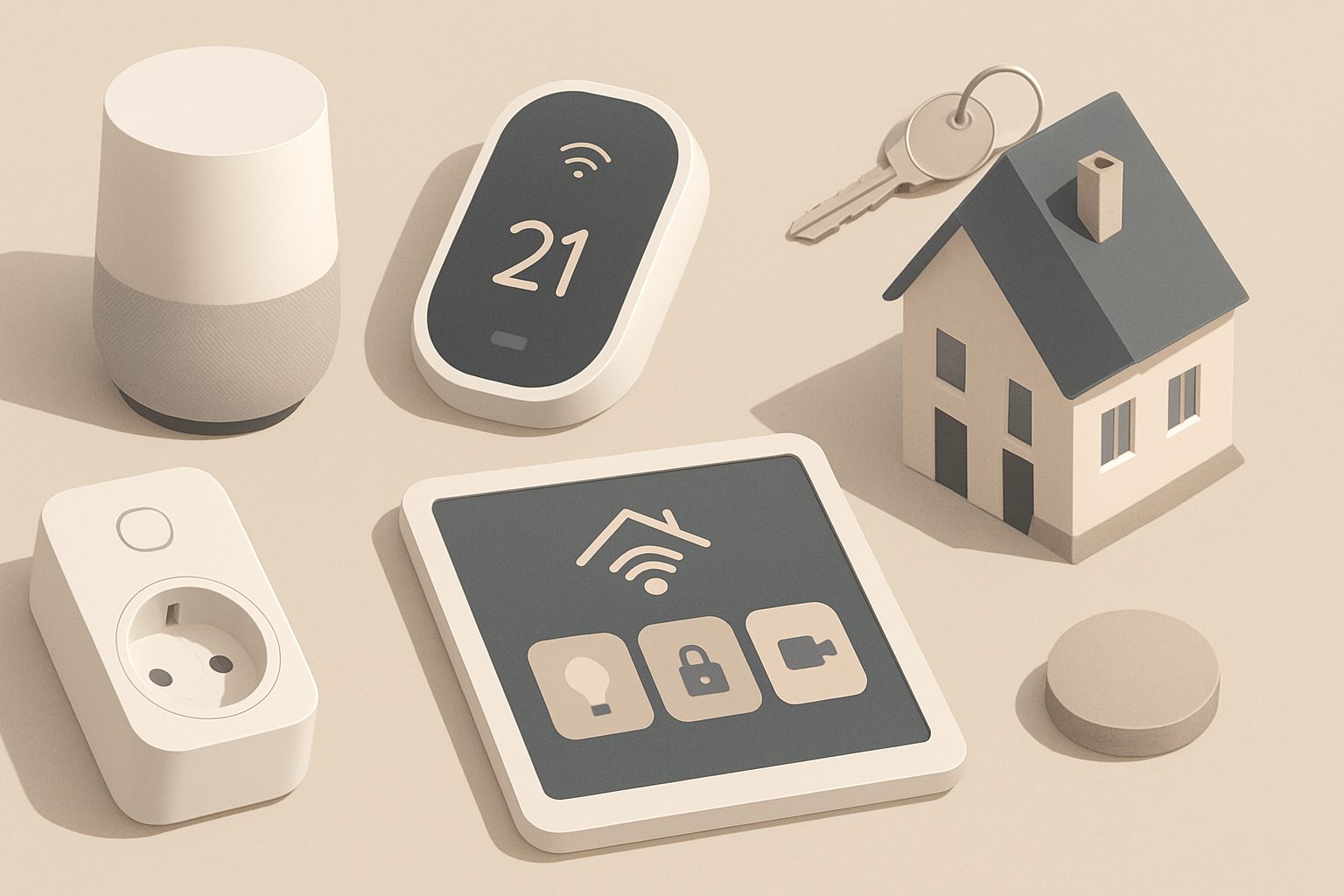
Smart speakers (Google Home Mini, Echo Dot) serve as your ecosystem's hub and let you control everything by voice. They're around £30–£50 and become genuinely useful once you add other devices. Without other devices, they're just expensive alarms.
Smart thermostats (£150–£300) are a bigger investment but deliver genuine savings. UK heating costs justify the expense if you currently manually adjust your boiler. Models from Nest, Hive, and others integrate with all three ecosystems.
Smart plugs (£10–£20 each) turn "dumb" devices into smart ones. Plug a fan, heater, or coffee maker into one and control it remotely. They're cheap and don't require installation.
Avoid buying motion sensors, door locks, or security cameras until you've lived with the basics and understand what you actually need.
Getting Started: Step by Step
- Download the app for your chosen ecosystem on your phone.
- Plug in your first device (a smart bulb or plug).
- Follow the in-app setup wizard. It walks you through pairing the device to your Wi-Fi and naming it.
- Test basic control: turn it on and off from the app.
- Add a voice assistant (a smart speaker) once the first device is working reliably.
- Create your first automation: perhaps a bedtime scene that dims lights and locks doors.
- Add a second device only once you're comfortable with the first.
This iterative approach prevents overwhelming yourself and gives you time to spot problems with your network or setup.
Common Beginner Mistakes to Avoid
Buying Wi-Fi-enabled devices without a reliable network. Your devices will drop off your network randomly, and you'll blame the product instead of the broadband.
Starting with expensive devices. A £300 smart lock is lovely, but if you dislike the ecosystem, you've wasted money. Begin with £30–£50 items and escalate once you're confident.
Mixing ecosystems early. A Google Home speaker with Alexa devices causes frustration. Commit to one ecosystem for your first year.
Neglecting security. Use strong, unique passwords for your ecosystem account. Enable two-factor authentication. Change your Wi-Fi password from the default.
Next Steps
You're now ready to shop. Start with a single smart bulb or plug in your chosen ecosystem. Spend a week with it before adding anything else. Once you've built confidence—and confirmed your network is stable—explore comparisons of smart thermostats, speakers, and lighting systems tailored to your ecosystem.
The best smart home setup is the one you'll actually use. Start small, stay curious, and scale deliberately.
More options
- Amazon Echo & Smart Home Hubs (Amazon UK)
- Smart Thermostats (Hive, Tado, Nest) (Amazon UK)
- Smart Lighting Starter Kits (Philips Hue, LIFX, WiZ) (Amazon UK)
- Smart Security Cameras & Video Doorbells (Amazon UK)
- Smart Plugs & Home Automation Accessories (Amazon UK)